Modules
It’s like building with legos

What are modules?
On nearly every site Asher develops, page content is built using a modular builder—an intuitive, drag-and-drop system that requires no coding knowledge. Each module functions as a flexible building block, letting you easily create and customize layouts. These modules are similar to tools most users are already familiar with, but with enhanced flexibility and design potential.
While final module assignments will be made during content migration to the staging site, it’s helpful to keep available modules in mind during content development, as they can inspire layout ideas and bring your content to life.
Review your module list below and start considering how you can structure your site.
Text
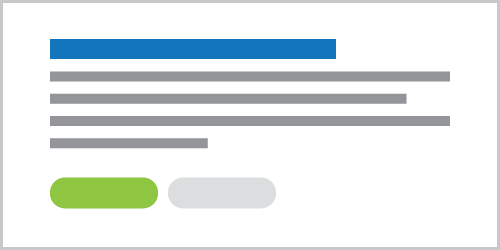
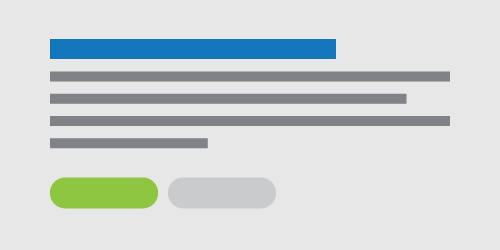
The basic text module includes a headline, body text, and buttons. It also supports adding an image or video on either side of the text or, in some cases, as a background (image only). This module is perfect for creating a balanced focal point on your webpage!



Media
- Image: A module that highlights a single image as the main focal point. The image can be resized or displayed as a lightbox, opening in an overlay for clearer viewing.
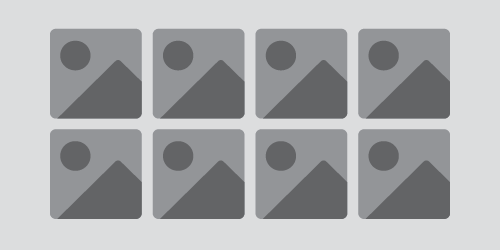
- Gallery: A grid-based image gallery offering various styles, including square or landscape cropping, adjustable image spacing, and flush layouts. Images can also be viewed in a lightbox.
- Video: A module for embedding videos from popular platforms like YouTube or Vimeo directly onto your website.


Form
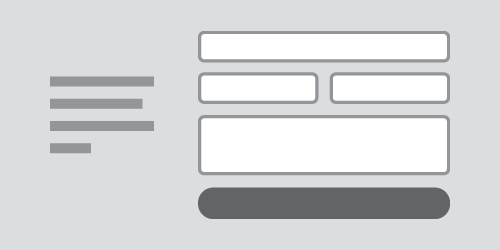
The form module displays a form built directly on your website, with flexible layout options—you can show the form on its own or add accompanying text to either side. You can also choose how large or small the form appears. The form is fully responsive and ADA compliant, ensuring accessibility and optimal display across all devices. Built-in settings include a confirmation message and an automatic response email for the user, along with an automated notification sent to the admin, so you never miss a submission.

Cards
Our most versatile module, offering a variety of features. Think of it as multiple columns of bite-sized information that make content easier for users to digest. You can add links and customize visuals with images or icons from an extensive online library.
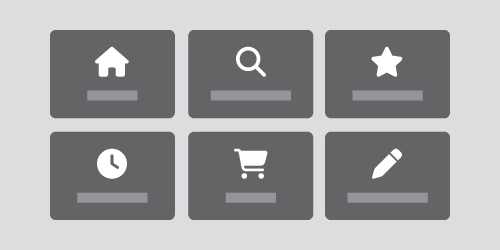
Link Grid
A module housing a grid of links that feature images or icons. If you have a landing page that directs to multiple different high value pages on the site, this could be an optimal way to direct user flow!
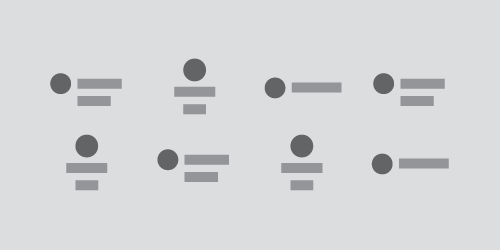
Logo Grid
Similar to gallery earlier, this grid is specific for logos from different companies. You may need to link sponsors or partners on certain pages in a clean, unobtrusive format.

Quote
A module that comes as a single quote from a source, or has the option to be a carousel, sliding through all your testimonies! This comes equipped with an area for text, a name, title, and even an image.
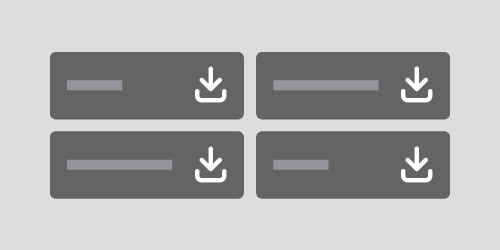
File
Sometimes you have many different documents that need to be accessible on your website. Whether that is for internal use, or trying to get your annual report to your end user, this module has you covered. It automatically detects the size, and type of document and uses an icon, and text to show the user what they are interacting with.
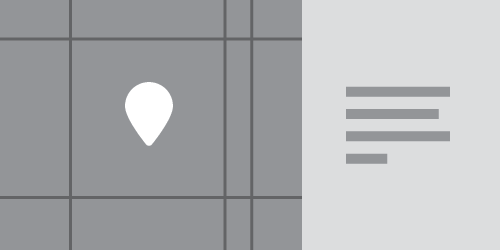
Location
This module ensures users know where your locations are, helping filter leads to drive the right conversions. It includes a location image, descriptive text, and optional fields for hours, contact information, such as email and phone.
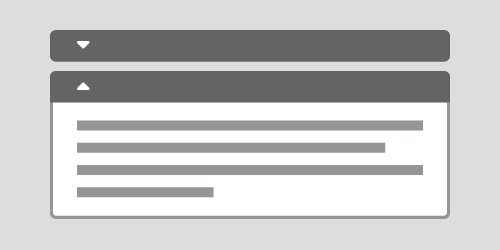
Accordion
This module is perfect for reducing page length and avoiding information overload. Ideal for FAQ pages, it keeps content clean and organized by displaying only what the user wants to see, revealing answers only when clicked.
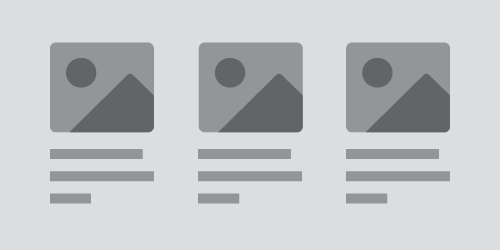
Post Feed
This module lets you display blog content on other pages of your site. You can choose to automatically show the three most recent posts, or manually select specific posts to feature.
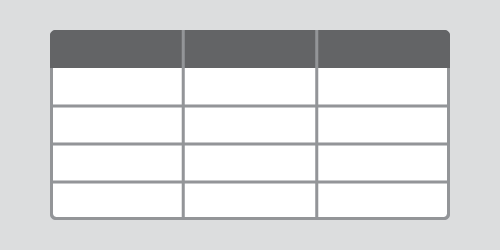
Table
A module that features a top level and multiple rows and columns to keep your data, or information neat and clean. Table is exceptional at comparing and contrasting data without putting the comparison work on the user.

Chart
This module displays data in an auto-updating graph, complete with a legend for each segment. You can also customize colors for a clear, precise presentation of your statistics.
Modules with Images
Some modules incorporate images, and in certain cases, images may be required. Images are an excellent way to visually enhance your page and improve its overall look and readability. If you have specific images for sections, you can upload them to the WordPress Content site or indicate their placement by naming them inside brackets.
example:
[image of student wearing purple]
Modules with Icons
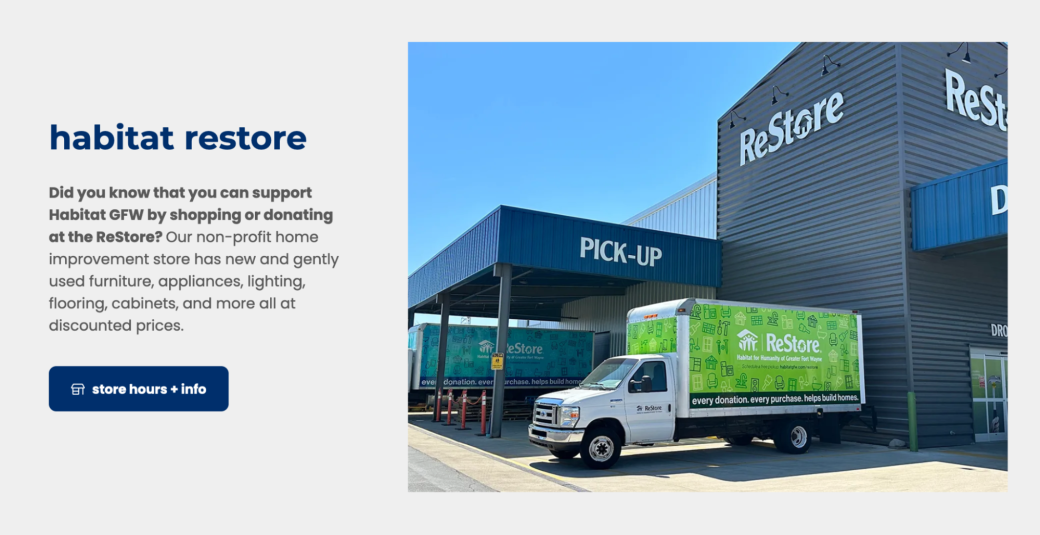
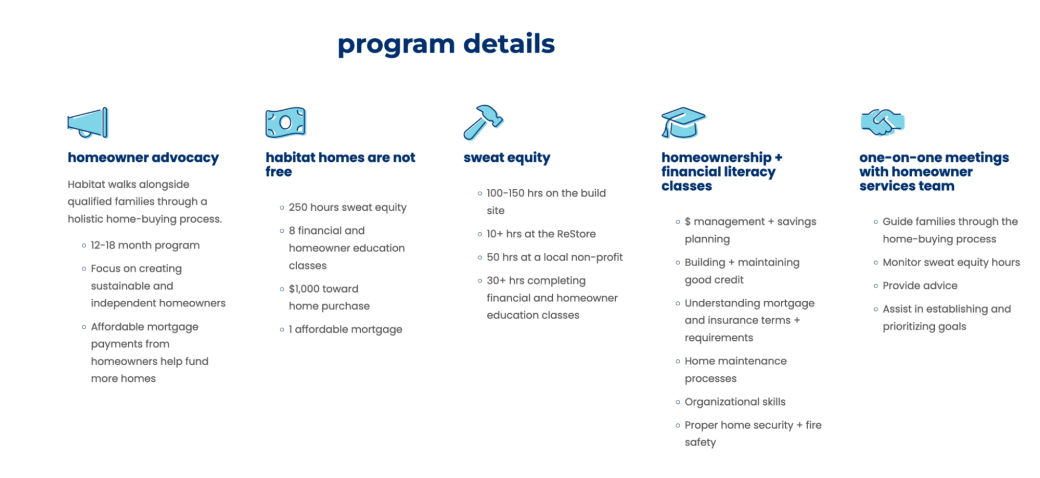
Like images, icons can be added to certain modules, providing a quick visual cue for specific sections. For example, in a services section covering multiple areas, using icons on cards helps users quickly grasp the content. The example on the left demonstrates optimal use of icons alongside text.
Modules with Color
With various module types offering great versatility, it’s important to consider color options. Asher will provide multiple color schemes for each module, adhering to brand standards and accessibility contrast rules. Client admins can toggle between these schemes to adjust background colors and other elements within the module. This feature allows you to emphasize specific sections and elements effectively.